Virtual Classroom
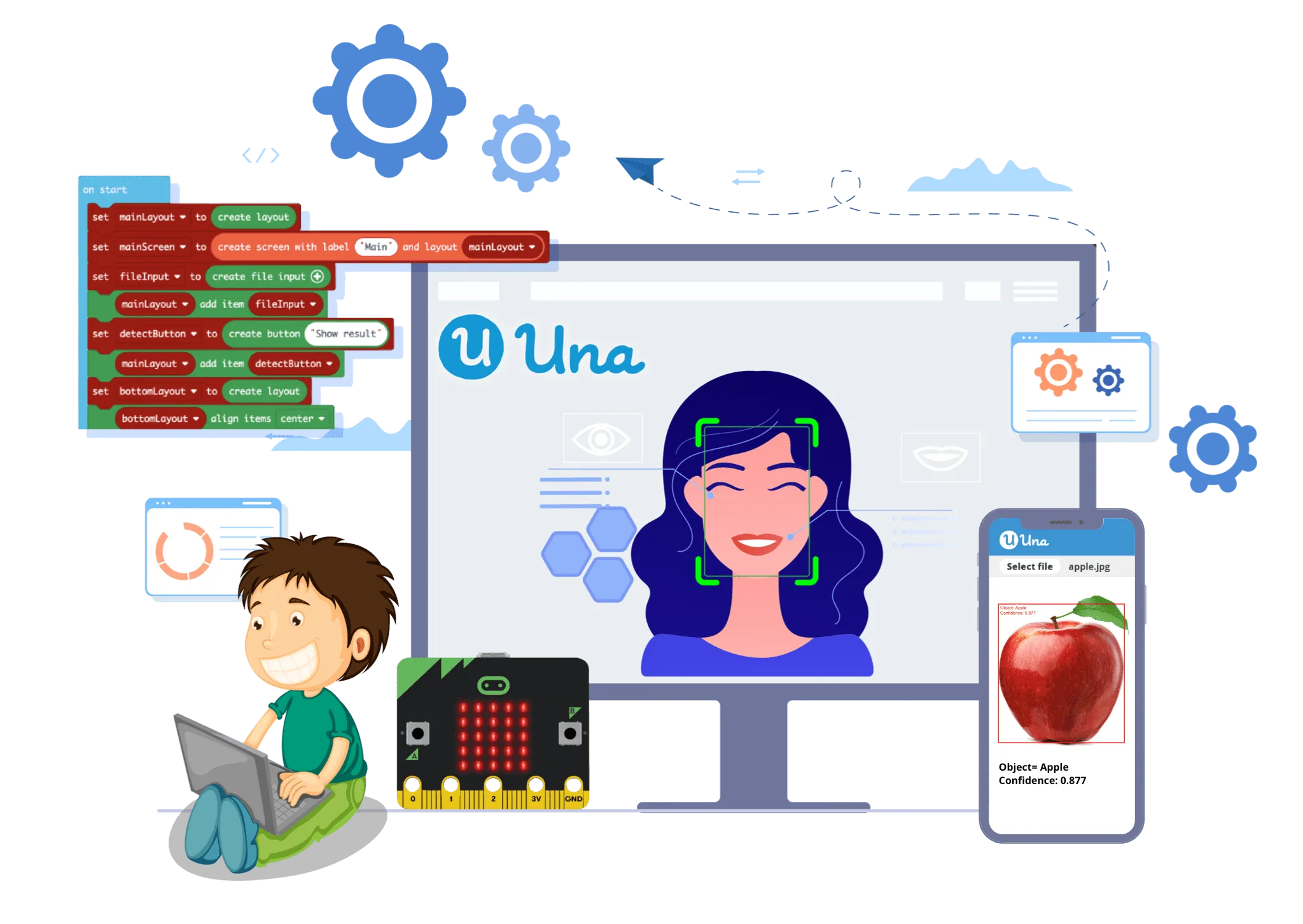

The world's only virtual classroom with Microsoft MakeCode embedded
Technology
- Cloud & Real-time Communication
Teaching Content
- Una-provided or user-uploaded
Coding
- Enhanced MakeCode with AI technology applications
Apps
- AI Web Apps and Micro:bit smart devices
Basic Features of Virtual Classroom
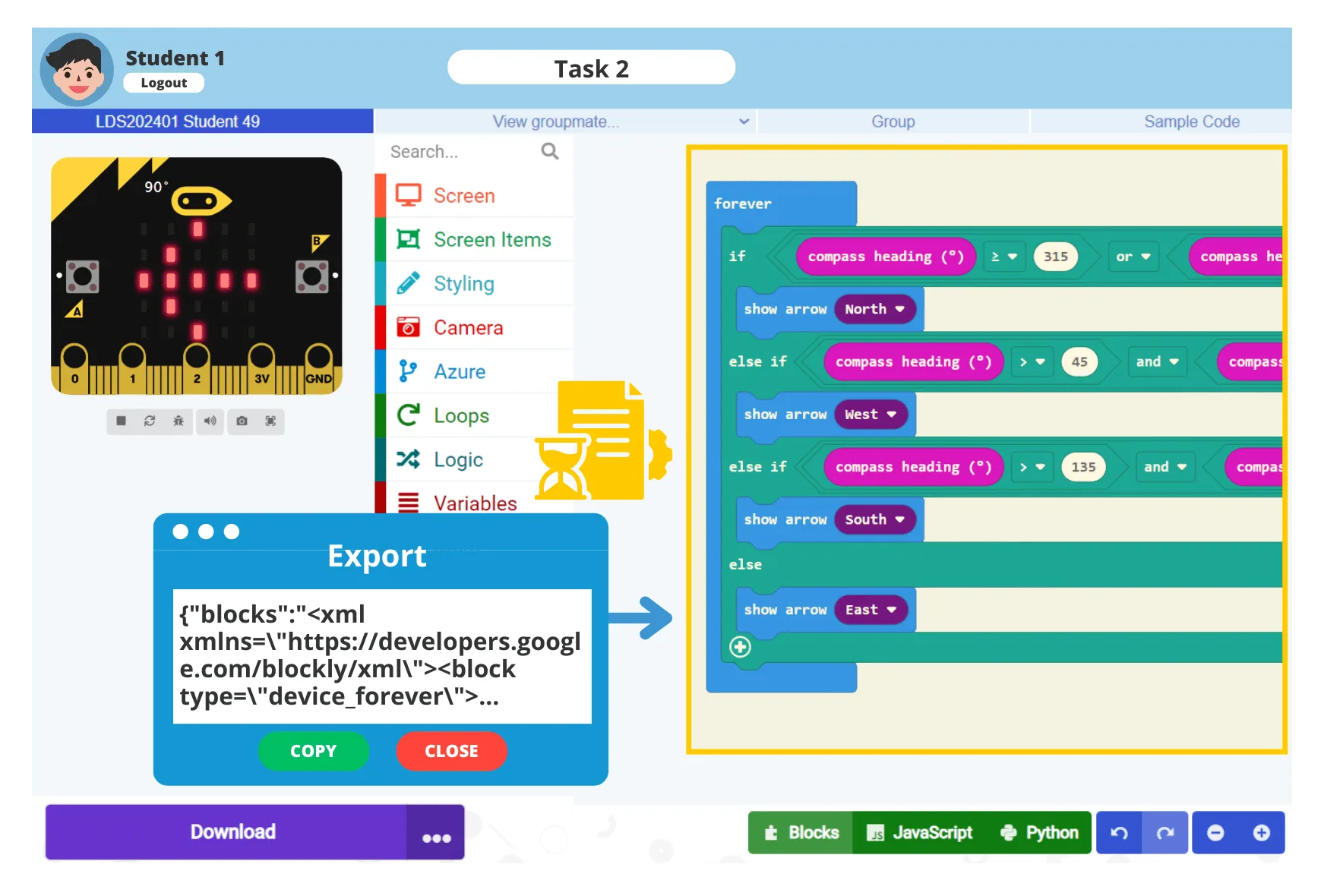
Easy coding for creating Micro:bit devices*
Built-in 50+ hours of micro:bit teaching materials*
Preloaded sample code (and micro:bit extensions*)
Upload your own teaching materials
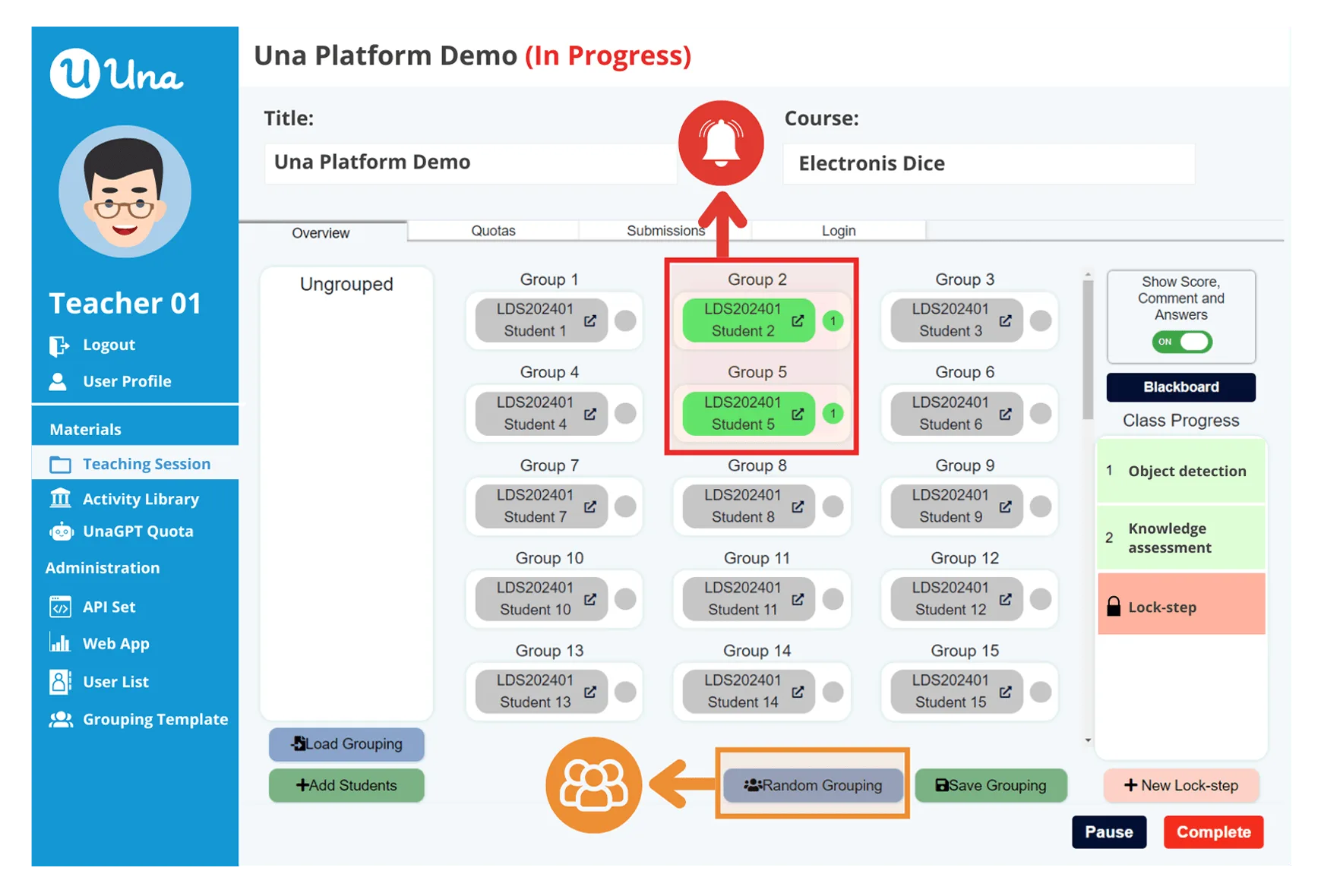
Flexible group formation
Collaborative coding for groups
Automatic cloud saving
Real-time dashboard monitoring
Task-based learning
Quick student assemble
Waiting points
Q&A assessments
Grading
Multiple login options
Advanced Functions - AI Virtual Classroom
Include all basic features (except those limited to the micro:bit virtual classroom*)
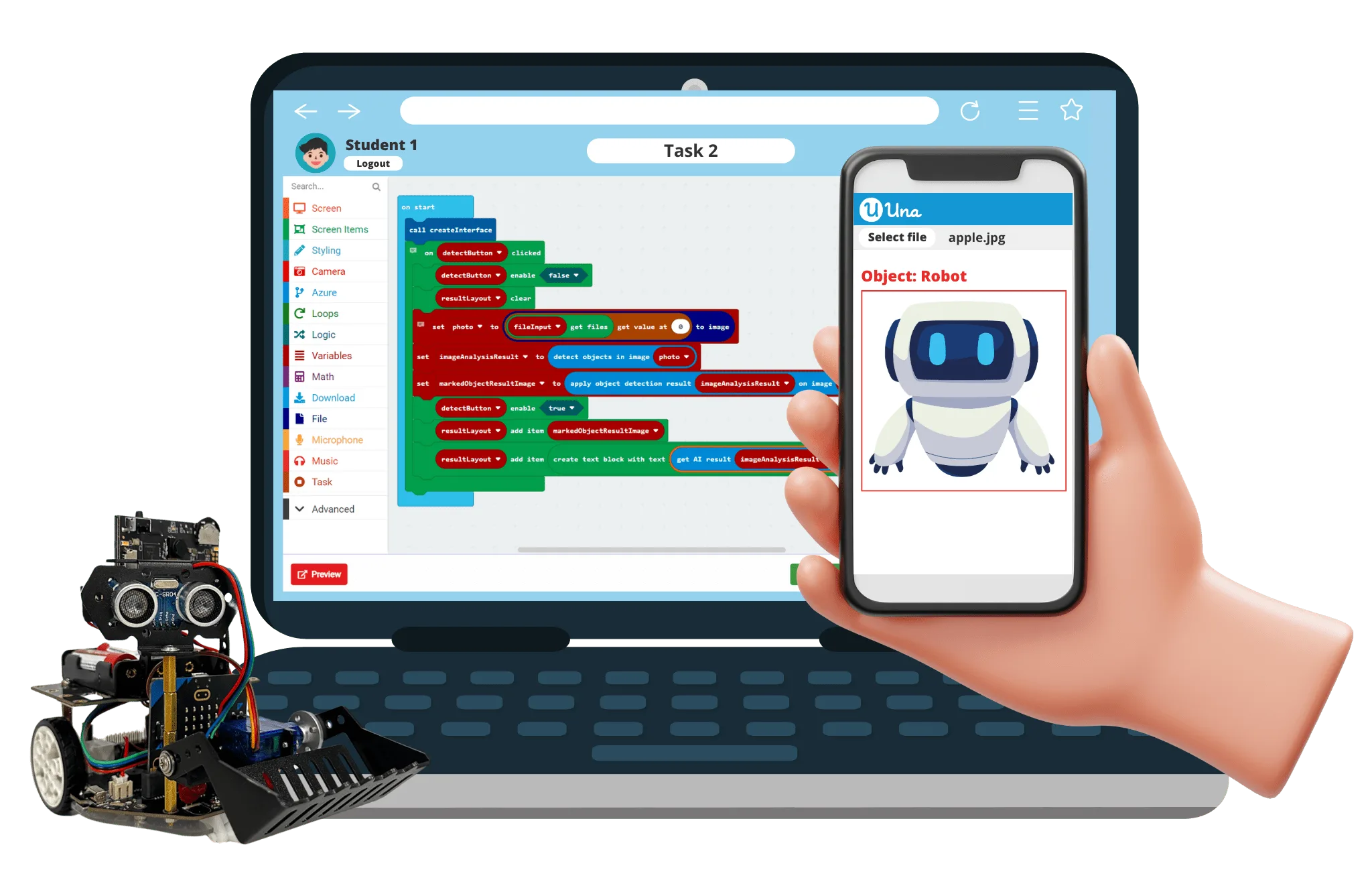
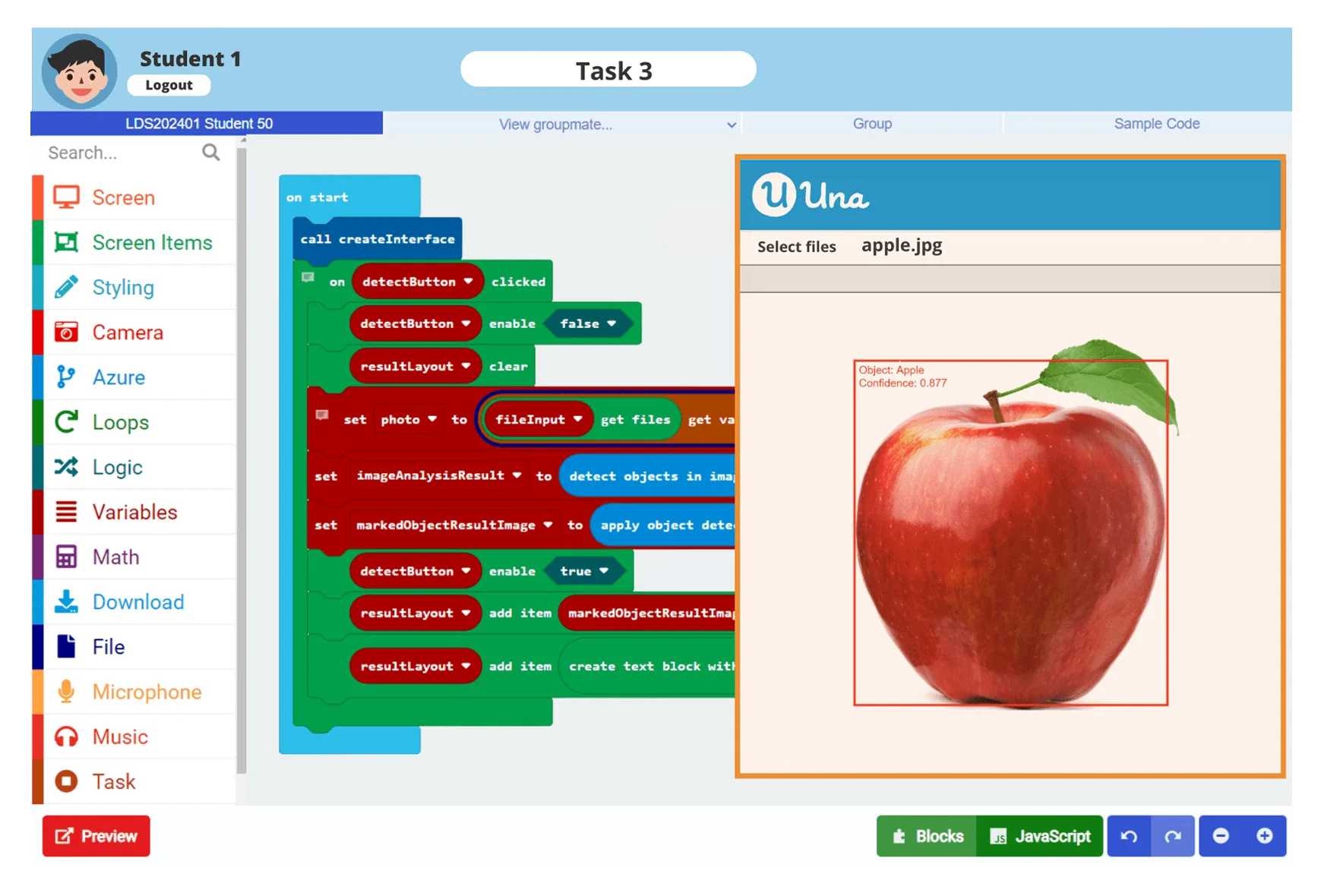
Develop AI Web Apps through coding
Use Microsoft Azure Cognitive Services through coding
Use Google Teachable Machine models through coding
UnaML: No-code machine learning tool
Use camera through coding
Allocate cloud-based AI usages quota to students
Publish Apps via shareable links
Annual Subscription
| BASIC (STEM Basics) | INTERMEDIATE (STEM Maker) | ADVANCED (AI Maker) | |
|---|---|---|---|
| Number of User Accounts |
- SSO teacher: 1 |
- SSO teacher: Unlimited (Free) |
- SSO teacher: Unlimited (Free) |
| Micro:bit Virtual Classroom | ✔ | ✔ | ✔ |
| AI Virtual Classroom |
✔ 1-month trial "AI Maker 2.0" course (3 hrs) | ✘ | ✔ |
| AI Quota: Number of times per AI service | 100 | ✘ | 100 x Number of student |
| Una’s course materials | “Micro:bit Coding Basics” (17 hrs) | All in Basic +
- “STEM Maker” (14 hrs) | All in Intermediate +
- “AI Maker 2.0” (10 hrs) |
| Max. number of self-upload activities | 100 | Unlimited | Unlimited |
| FREE
Free Registration > | HKD 120
/ year / student | HKD 280
/ year / student |
Highlights of School Teachers' Feedbacks
"It’s difficult to find a product that allows students to learn AI continuously at home. Empowered by Una, students can participate in the online lesson interactively and collaboratively. It is surprising that students can even test the coding result through a Raspberry Pi remotely. As a teacher, I appreciate that the lessons provide clear learning objectives and comprehensive design of assessments so that we can review what students have learned. Like!"
“Una lessons are also well-paced and offer different levels of difficulties for students with different coding abilities. This platform provides great freedom for students to demonstrate their creativity and programming ability on the Challenge page. All students’ works are collected onto the same platform, which becomes very convenient for teachers to manage and follow up on their work.”
“It is easy and convenient to upload my own teaching content onto Una. Una helps students to study in groups that cater to individual learning diversity.”
FAQ
If I already have my own micro:bit teaching materials, can I simply apply for the free basic plan?
Absolutely!
Are teacher accounts subject to fees?
As of May 2021, Una Virtual Classroom has waived fees for teacher accounts. When a customer subscribes for every set of 25 student accounts, they will be granted a complimentary teacher account with an equivalent subscription plan, intended for lesson preparation purposes.
Is there an option for a monthly subscription?
No, we prefer not to offer a monthly subscription option as we do not wish for schools to have to alter their established teaching schedules.
Can a single account be shared among multiple teachers or students?
No, each account is intended for individual use by one teacher or student. All users must register with an email and login via a third-party account or a one-time password.