
Una PDF Editor
AI-powered PDF editing — auto-fill forms, place signatures and company seals, download print-ready files. All in the browser.
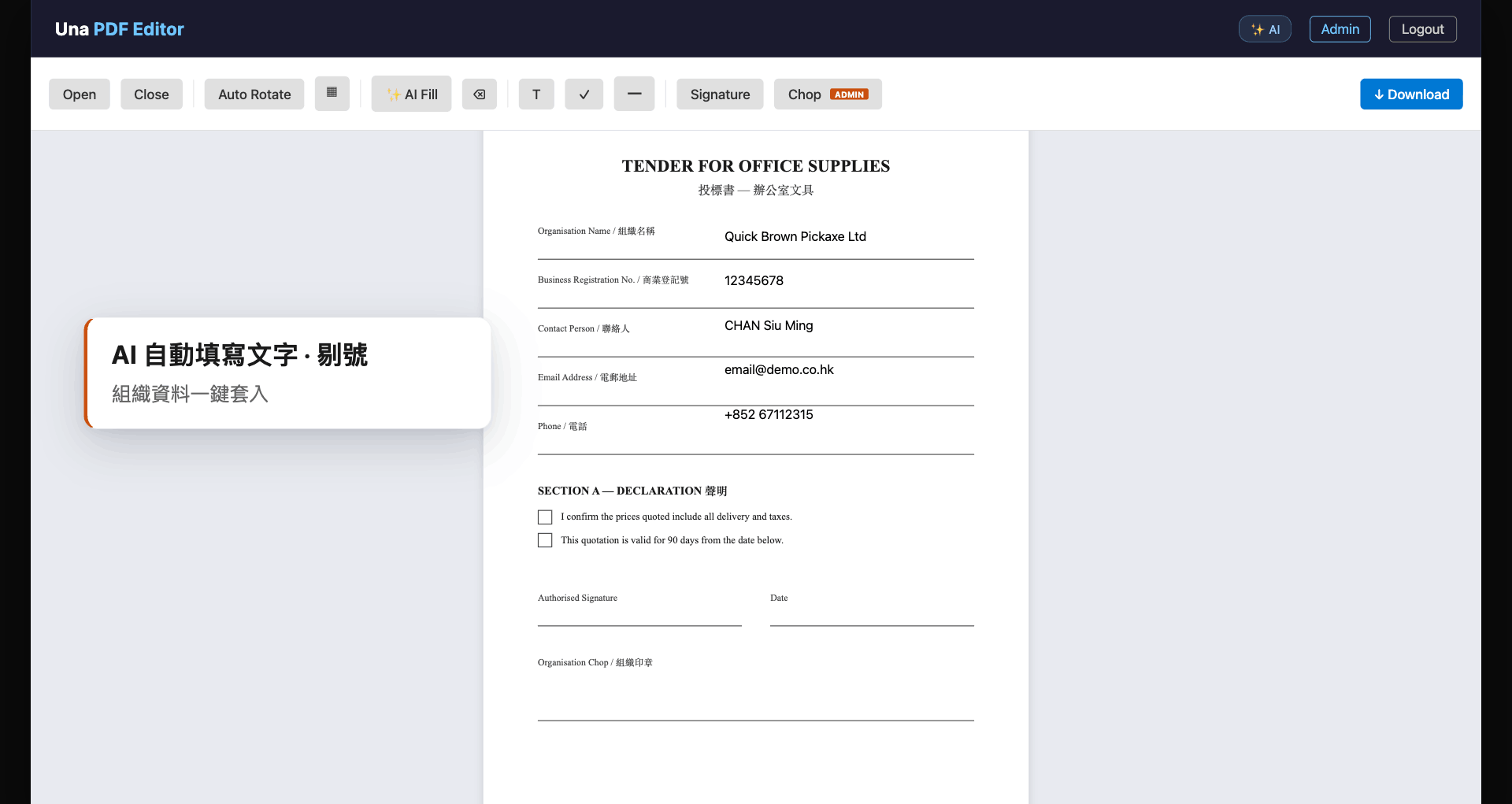
- AI Auto-fill
- Org Seal Control
- M365 SSO Login
- Multi-page PDF
Product Demo Video
 Play Video
Manual PDF work is slowing your team down
Every tender, quotation or delivery note means printing, handwriting, scanning and re-uploading — all over again.
Repetitive Form-filling
Same company details entered by hand into every new document, every time.
Seal & Signature Bottleneck
Waiting for the right person to physically stamp a document creates delays and approval chaos.
No Standard Output Format
Editable drafts and final signed copies mixed up — hard to tell which version is the definitive one.
AI Auto-fill — Full Document in Seconds
AI analyses every page of your PDF at once, detects all fillable fields, and automatically places text, tick marks, signatures, dates and the company seal.
- Analyses all pages simultaneously, no manual field-by-field input
- Recognises mixed Chinese-English layouts
- Pre-fills from admin defaults — edit per-session as needed
- AI is the starting point — staff review and confirm before download
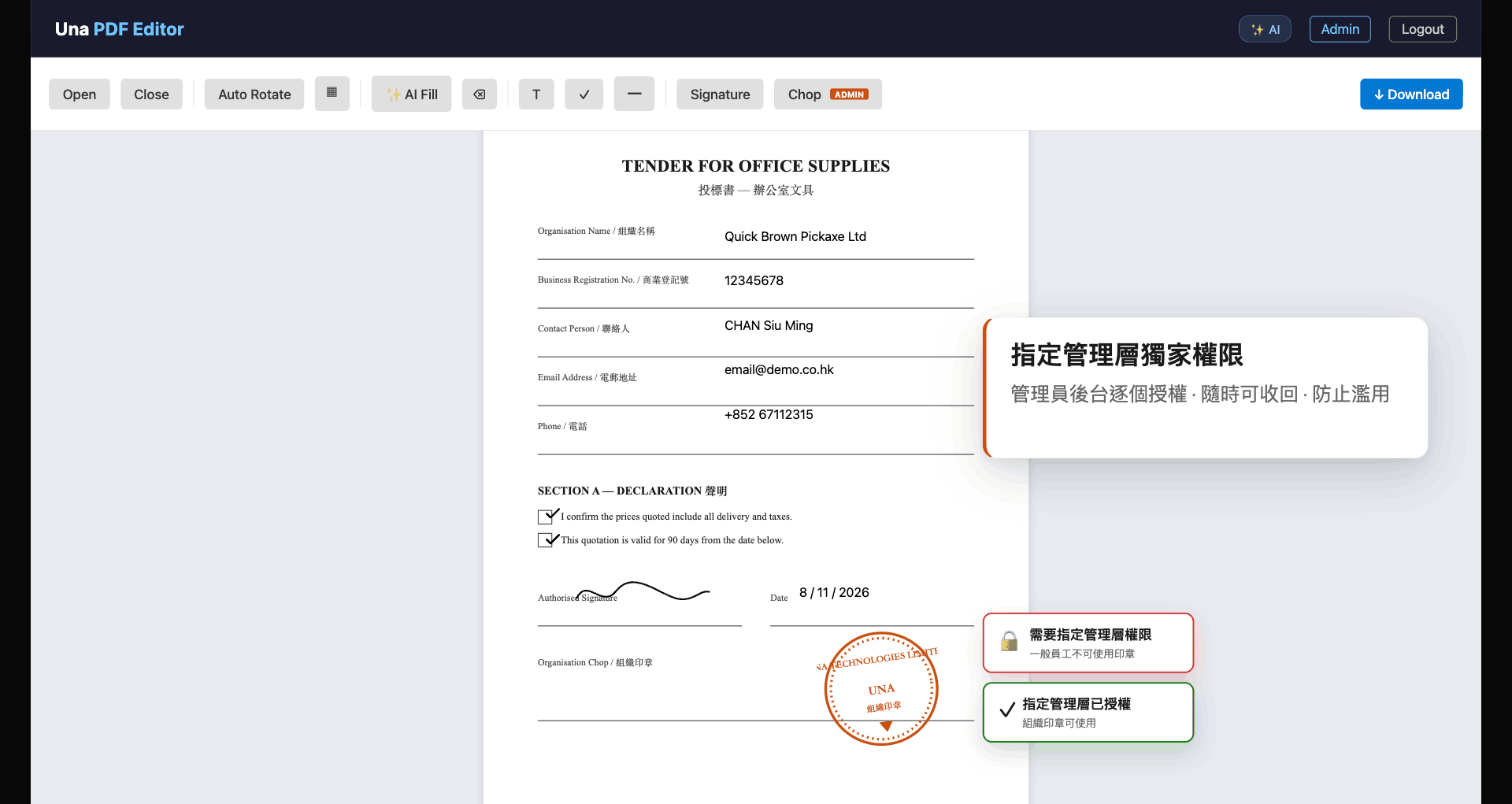
Seal Access Control — Designated Approvers Only
Regular staff cannot see the seal button at all — preventing accidental stamping. The admin panel assigns access individually, and it can be revoked at any time.
- Seal button hidden from unauthorised users
- Admin grants and revokes access per individual
- Full audit trail — protects the organisation's credibility
Two Output Modes — One Download
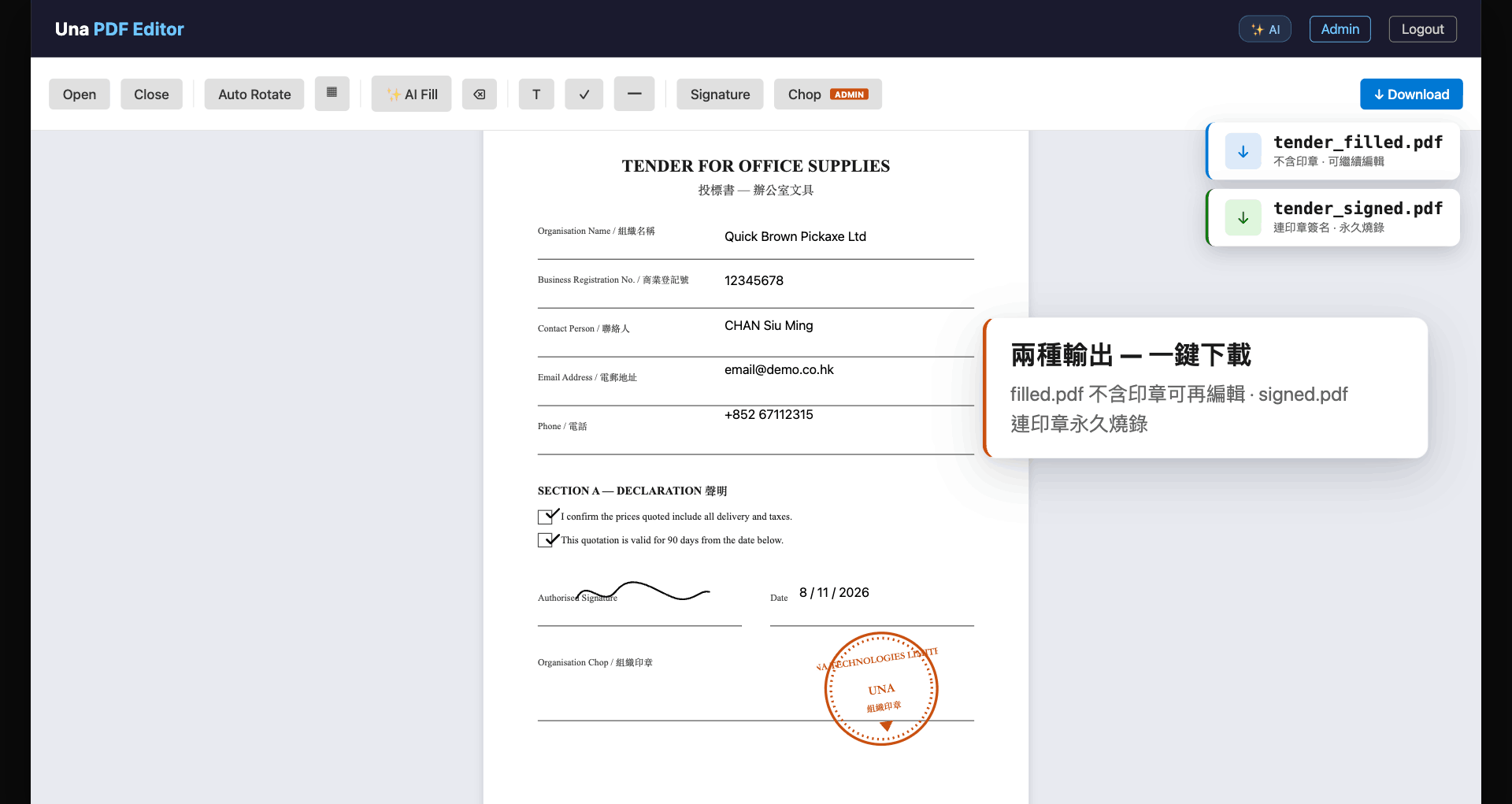
Every download produces two files automatically: a flexible editable version and a permanently sealed final copy.
- _filled.pdf — no seal, editable annotations, re-importable for further editing
- _signed.pdf — signature and seal permanently burned in, legally binding
- Both files downloaded simultaneously — no extra steps
Three steps from upload to signed document
Sign in & Upload
Log in with Microsoft 365 SSO. Drop a multi-page PDF — AI analyses the full document.
AI Fills & You Review
AI places text, ticks, signature and seal. Review, adjust, or add any item manually.
Download Both Versions
Click Download — get the editable filled.pdf and the permanently sealed signed.pdf simultaneously.
Let AI handle the paperwork — starting today
Book a live demo with our team. We'll walk you through Una PDF Editor and tailor a solution for your organisation.