
 Play Video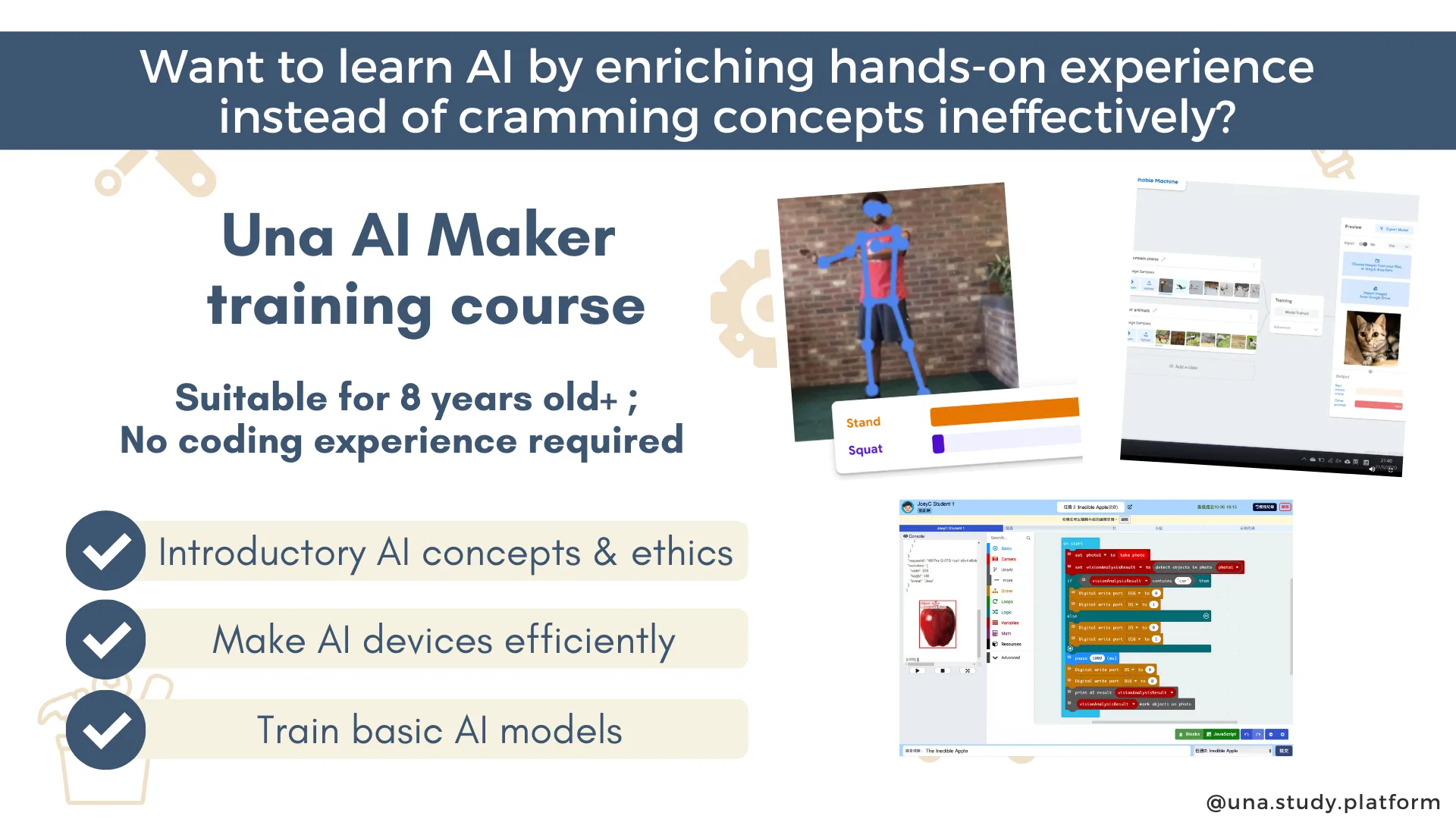
AI Maker 2.0
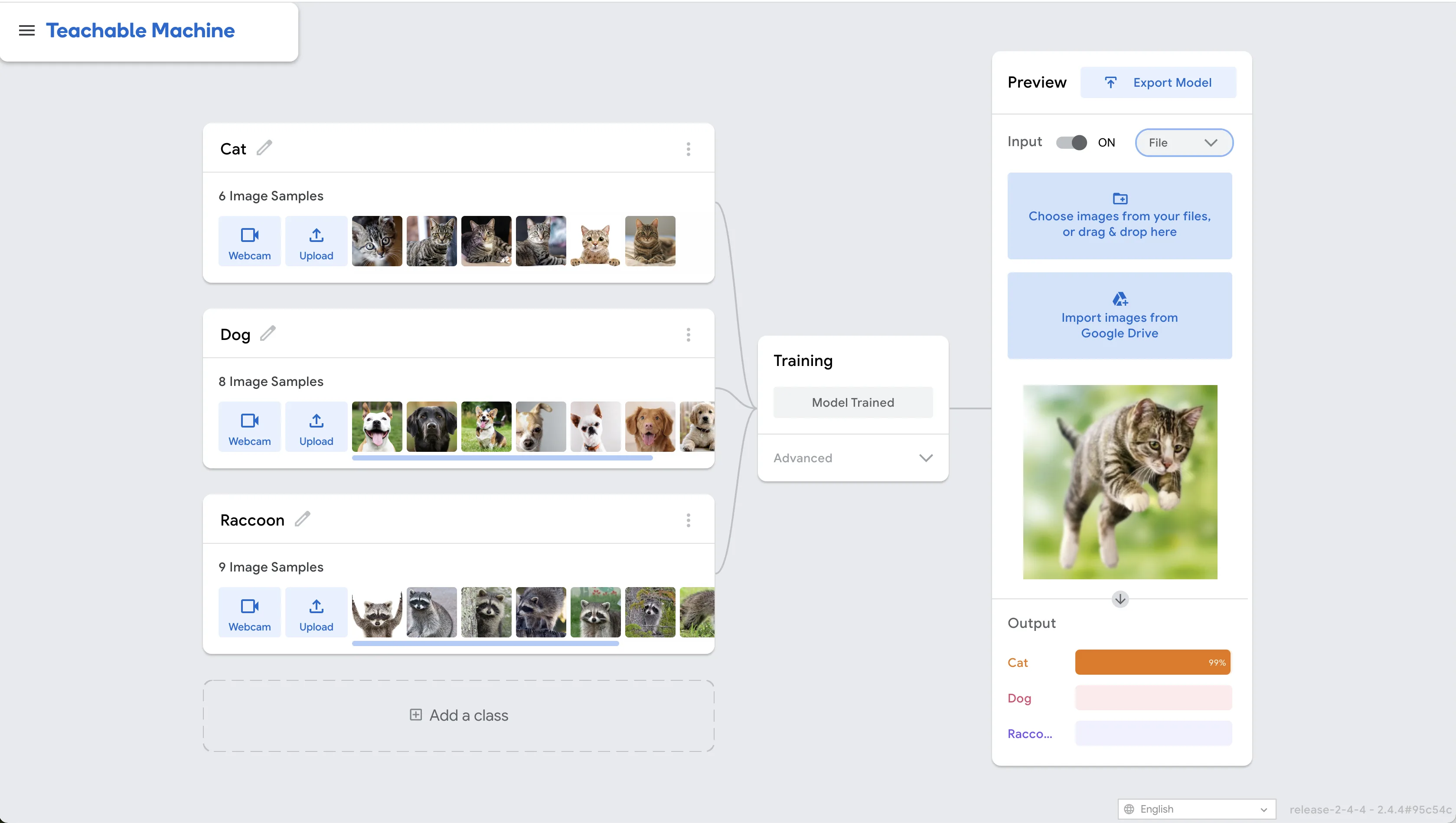
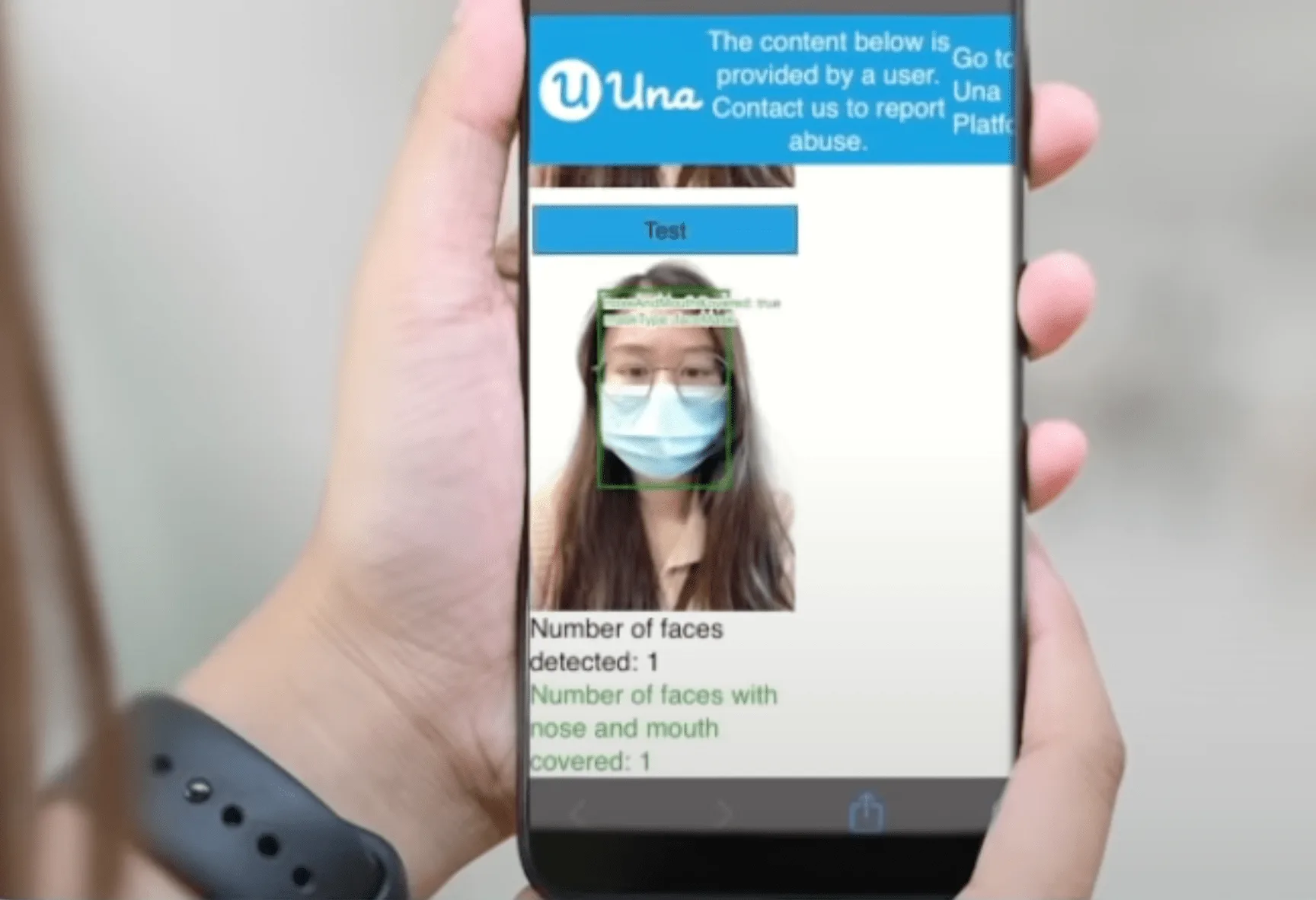
This course introduces the fundamentals of Artificial Intelligence (AI), including its applications, ethical implications, and practical techniques. Gain hands-on experience with AI technologies like Microsoft Azure and Google Teachable Machine, and create your own AI web apps. Develop a solid understanding of AI principles, techniques, and applications, prepare to explore more advanced AI topics and projects.
Learning objectives
- Grasp essential AI concepts and their applications in daily life.
- Learn to build and train AI models with hands-on tools.
- Create a simple AI-powered web app from scratch.
Lesson plan
Prerequisites
- None
Software
- Una Virtual Classroom - Advanced
Other requirements
Hardware
- Notebook/Desktop with a webcam and the updated browser is recommended.
- iPad does not support training AI models with Google Teachable Machine.
Feedback
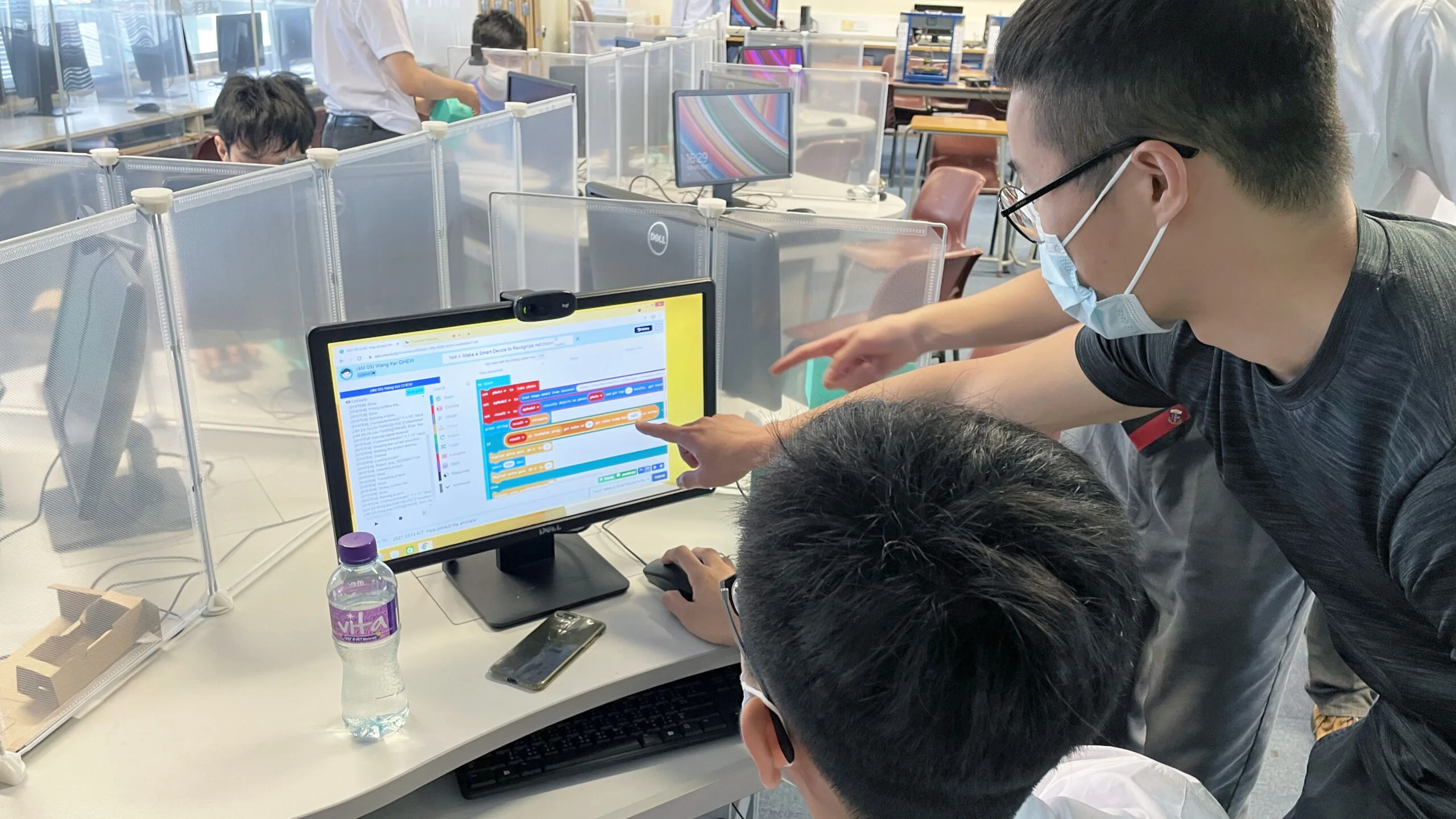
Under the pandemic, the Una platform allows students to participate in online lessons interactively, collaboratively and learn AI continuously at home. As a teacher, I appreciate the clear learning objectives and the comprehensive assessments to review what students have learned. Like!
I am a science teacher without IT background, but Una helps me to conduct AI courses efficiently and solves problems encountered by teachers before, during and after class.
During the teaching process, I hope students can learn to connect AI concepts in real life. After using Una Platform, students can solve the problem as teams and grasp related concepts step by step.
Una provides AI courses with interesting topics and their learning platform’s interface is user-friendly. Also, trainers from Una have a great attitude and can effectively maintain a positive learning atmosphere.