
 Play Video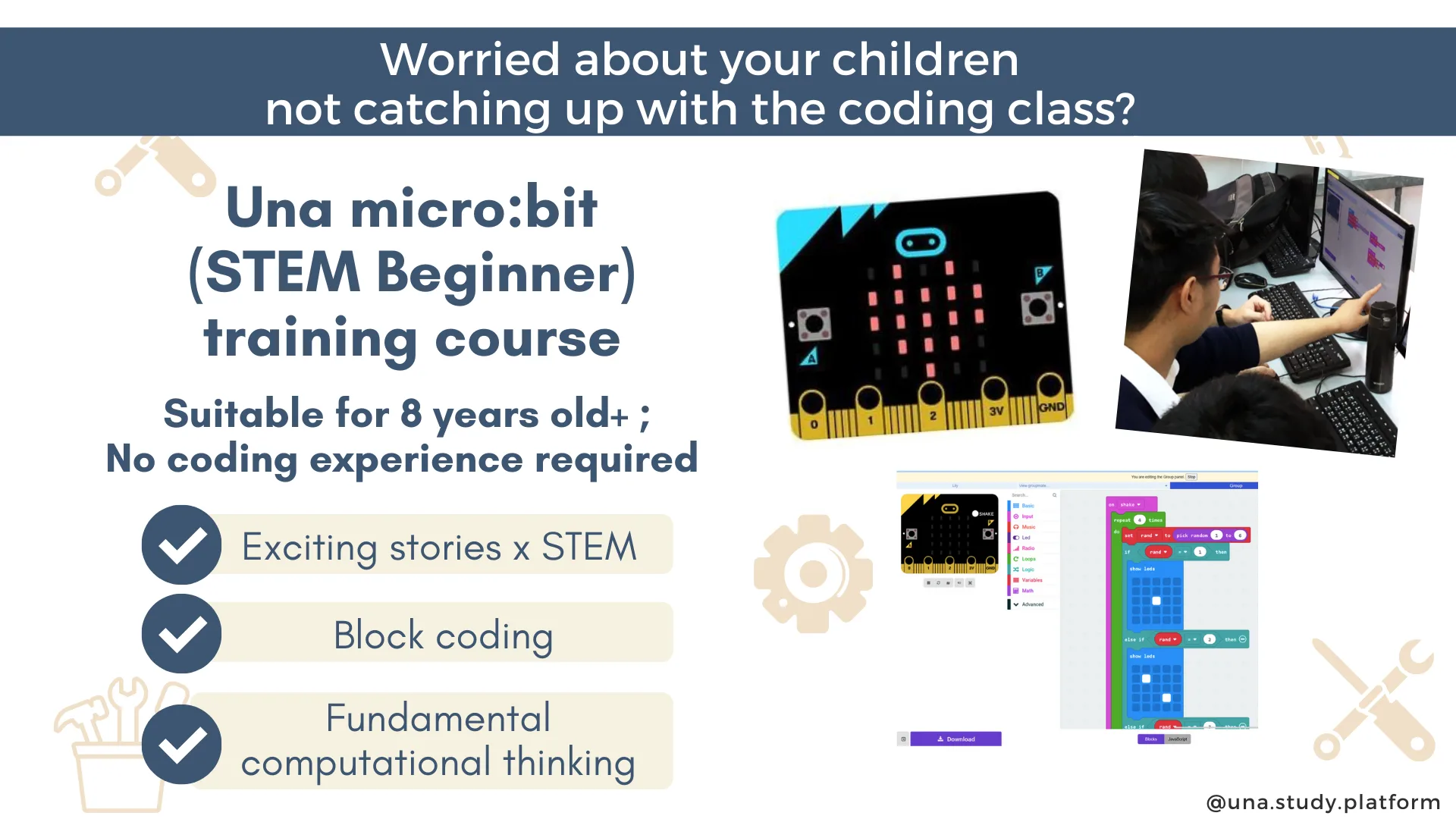
Micro:bit Coding Basics
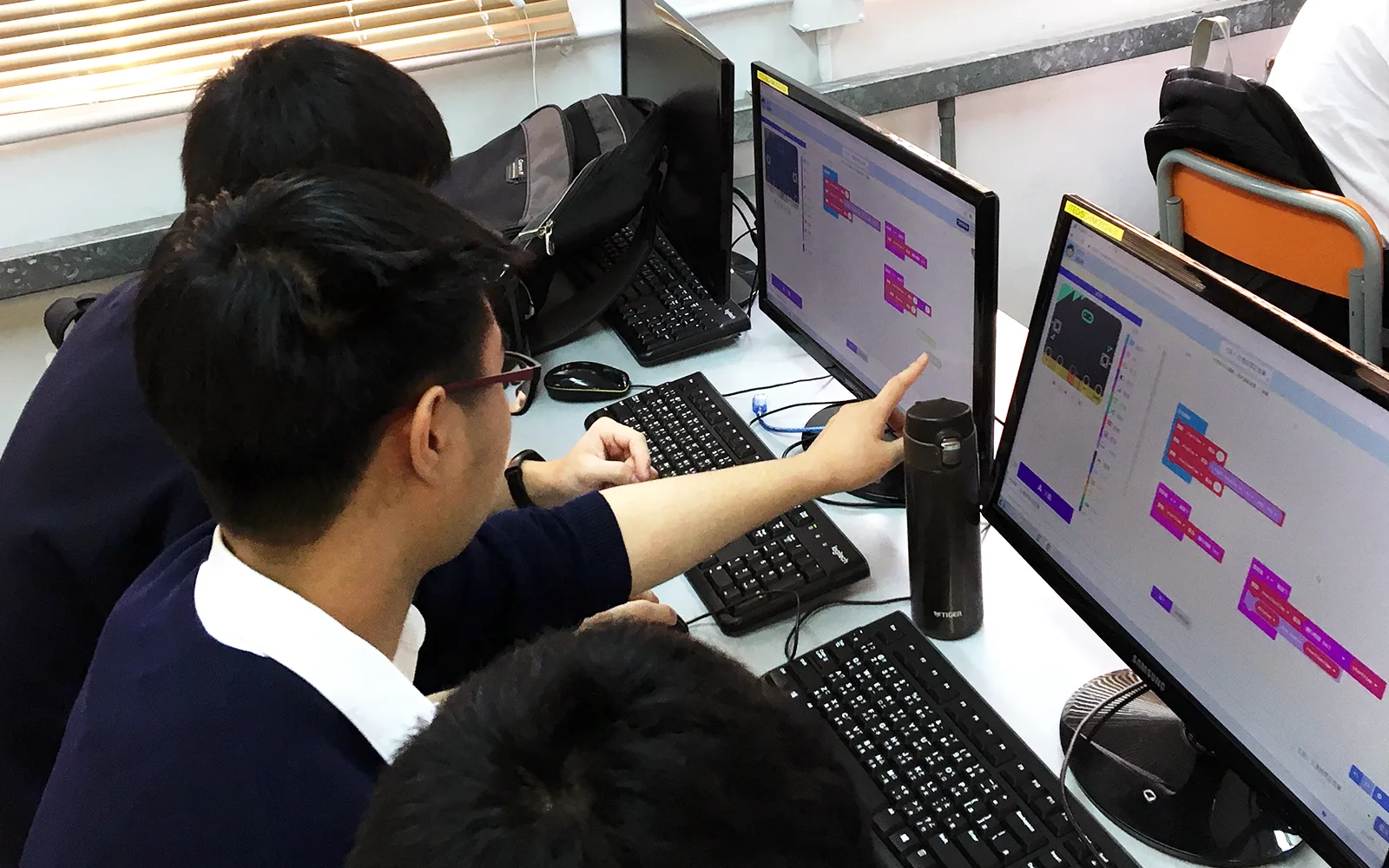
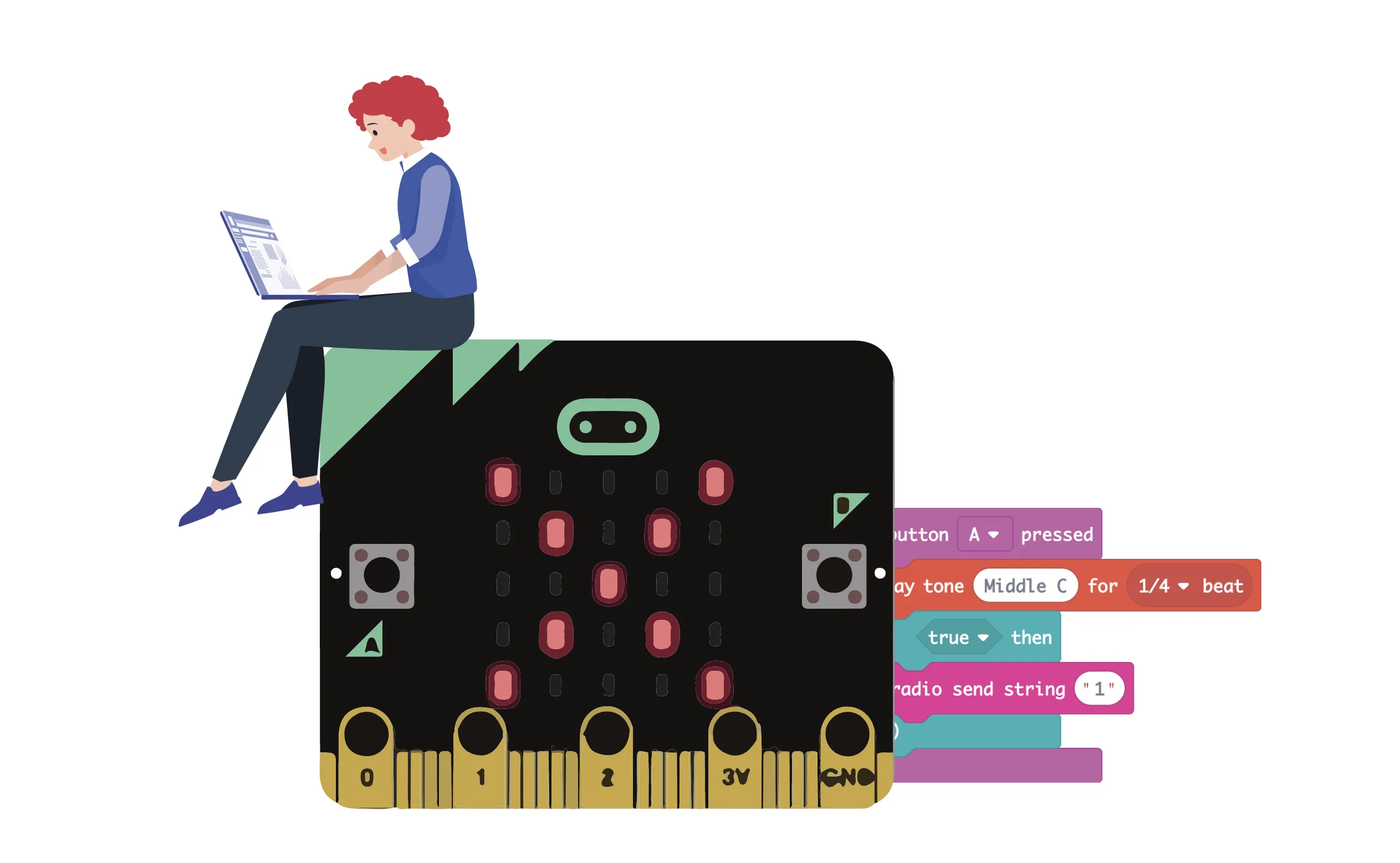
This course introduces the basics of micro:bit computational thinking, offering a dynamic and interactive approach to understanding the fundamentals of coding. Perfect for beginners, it encourages creative problem-solving and critical thinking, enabling students to acquire vital coding skills. Through hands-on projects with micro:bit and MakeCode, learners will tackle essential concepts such as input/output commands, variables, conditionals, and mini game development.
Learning objectives
- Master the basics of coding with micro:bit, MakeCode and Una through interactive projects
- Understand and use key computational thinking concepts like variables, loops, and conditions
- Build simple games and applications, fostering problem-solving skills
Lesson plan
Prerequisites
- None
Software
- Una Virtual Classroom - Basic Plan or Microsoft MakeCode
Other requirements
Hardware
- Tablet/Notebook/Desktop
- Micro:bit Bundle x 1
- Micro:bit x 1
- Micro USB Cable x 1
- Battery holder x 1
- Without a physical micro:bit, you may also learn the first 10 modules using the MakeCode micro:bit simulator.
Feedback
The lessons are well-paced and offer different levels of difficulties for students with different coding abilities. Una platform provides great freedom for students to demonstrate their creativity and programming ability on the Challenge page.
We like how the exercises are slow-paced and provide clear instructions to teach me how to code the robot. It is very interesting. We like solving problems, especially the challenges.
Una simplifies technical operations, gives students more cooperation opportunities, and allowing them to take turns in pair programming.